A podcast setup needs to work for the conversation first. Guests should be able to see and hear one another, microphones should stay in useful positions, and cameras should have clean views without turning the space into an obstacle course. A little planning before the session improves both the recording and the edit.
Start with the format
Define how many people will speak, whether anyone will join remotely, and whether the episode is audio-only or filmed. A host-and-guest conversation needs a different layout from a round-table discussion or solo presentation.
Decide how the episode will begin, whether there are recurring segments, and how long the recording is expected to run. This shapes the seating, camera coverage, media requirements and amount of time needed in the studio.
Arrange people for conversation and camera coverage
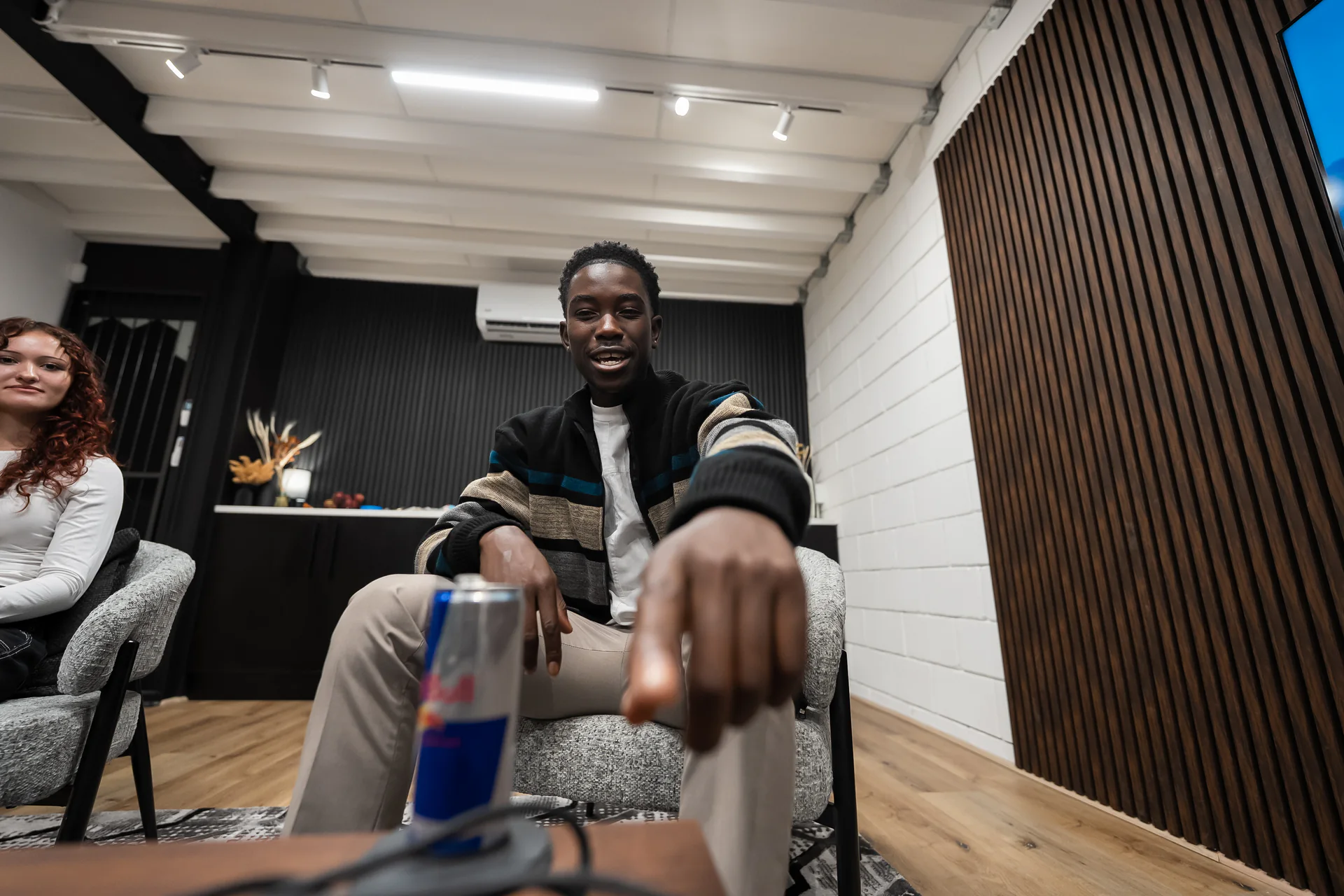
Guests should not have to choose between looking at one another and facing the camera. Place seats so the conversation feels natural while each camera retains a clear angle. Check eyelines, chair height and the space available for microphones before locking the layout.
If the production uses multiple cameras, ensure that microphones, stands and lights do not intrude into another angle. Record a short test with everyone seated and moving as they normally would.
Keep every voice consistent
Each speaker should have a suitable, stable microphone position. Match levels by listening to normal conversation, not only a formal count. People may turn their heads, lean back or speak more energetically once the discussion begins, so the setup should tolerate natural movement.
Monitor the recording throughout. A visible waveform does not confirm that every voice is clean or that a cable has remained quiet.
Build a simple visual identity
The set should support the programme without distracting from it. Consider background depth, practical lights, brand elements and wardrobe together. Avoid fine patterns, highly reflective objects and competing colours that make the frame unnecessarily busy.
For a recurring podcast, save reference photographs of the seating, framing and lighting. Consistency helps separate episodes feel like one series.
Leave time for checks and pickups
Plan a short technical test before the main discussion. Confirm that all cameras are recording, audio is reaching the intended destinations and media has enough capacity. After the conversation, capture any introductions, sponsor lines or corrections while the guests and setup are still available.
Take it to set
Practical checklist
- 01Confirm the number of speakers and whether anyone is remote.
- 02Decide between audio-only and filmed delivery.
- 03Plan seating, eyelines and camera angles together.
- 04Test every microphone at normal speaking level.
- 05Monitor sound and camera recording during the session.
- 06Photograph the final setup for future episodes.
- 07Allow time for introductions, pickups and a file check.