
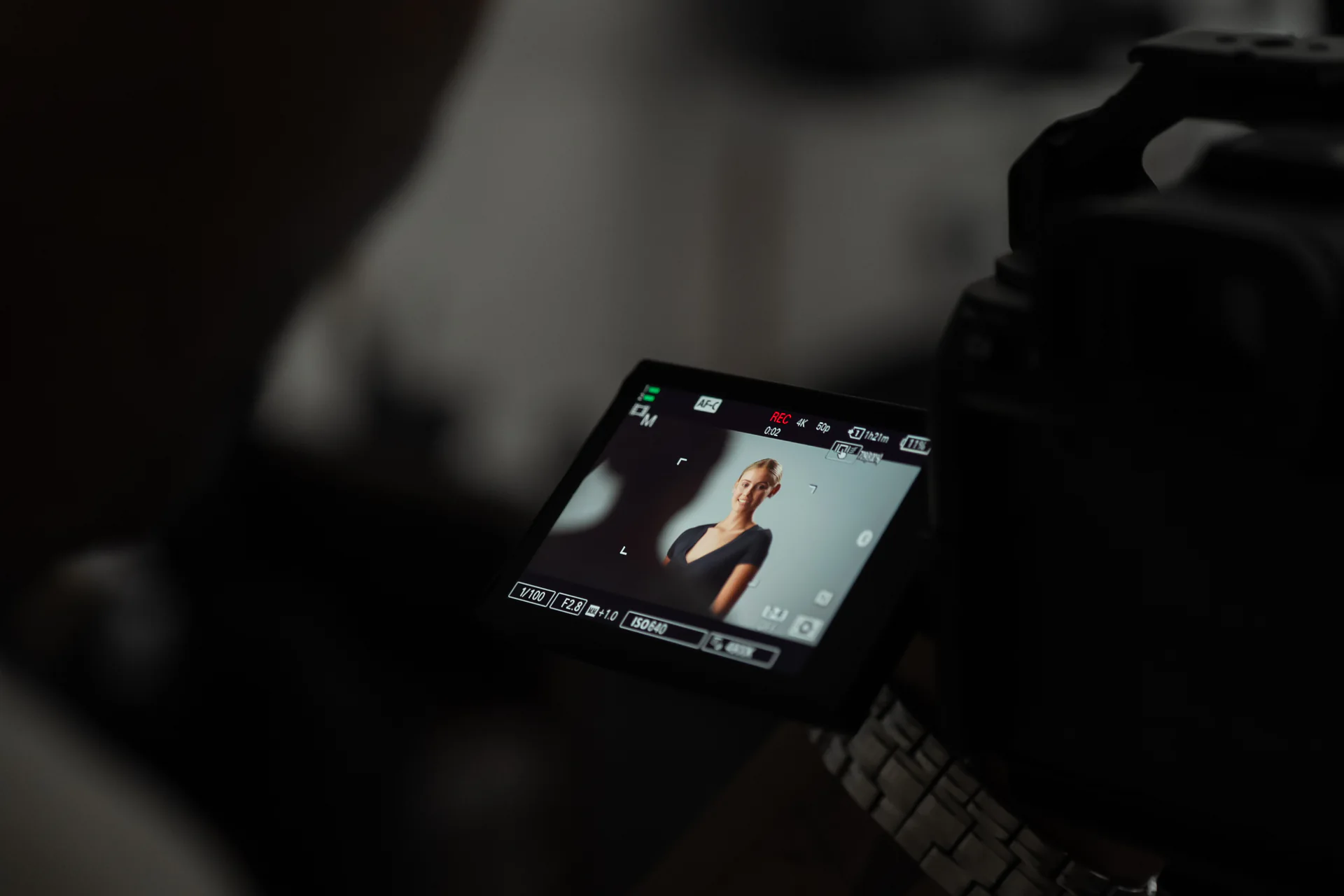
Stills and video productions often use the same lighting principles, but they do not always ask the lights to do the same job. A photographer may shape one exact moment. A film crew must preserve the look while the subject moves, speaks and repeats an action. Knowing where the workflows differ helps a team choose an efficient setup from the start.
A still frame can be more tightly controlled
Photography can be built around a precise pose, camera position and instant of exposure. Flash can deliver a short, powerful burst that freezes motion, while the photographer reviews each frame and makes fine adjustments between takes.
Video relies on light that remains present throughout the shot. The camera records movement over time, so output, flicker behaviour, colour consistency and exposure must remain stable for the duration of the take. The lighting also needs to work at the chosen frame rate and shutter settings.
Movement changes the size of the usable area
A portrait subject may stay on a mark, but an interview guest may lean forward and a presenter may walk through the frame. For video, it is important to light the whole performance area rather than only the starting position.
Marking positions and rehearsing the action can reveal exposure changes, unwanted shadows and reflections before recording begins. A wider pool of light may be more practical than a highly precise setup if the subject needs freedom to move.
Continuity matters across angles and takes
A stills session can change direction quickly between images. Video scenes need visual continuity across wide shots, close-ups and repeated takes. Fixtures, stands and flags should be positioned so that the team can change camera angles without rebuilding the entire setup.
Take lighting reference images and note important settings. If the production pauses or returns to the setup, those references make it easier to recreate the look.
Plan around sound, heat, power and access
Video sets usually stay lit for longer and may be recording dialogue. Fan noise, cable routes, heat around talent and safe access through the set all need consideration. The most visually impressive position is not useful if it blocks a camera move, places a cable in a walkway or introduces noise into a quiet interview.
Stills teams need many of the same safety checks, but the longer running time of video makes them especially important.
Take it to set
Practical checklist
- 01Confirm whether the project is stills, video or both.
- 02Decide whether flash, continuous light or a combined workflow is required.
- 03Test the full movement area, not only the starting mark.
- 04Check for flicker at the intended frame rate and shutter settings.
- 05Plan camera angles before finalising stand positions.
- 06Record reference frames and key lighting settings.
- 07Keep cables, heat, sound and crew access in mind.